Core Web Vitals will not vault a weak page to the top of Google, but poor scores quietly cap what your best content can achieve. In 2026 the metrics are stable, the tooling is mature, and the wins come from disciplined engineering rather than guesswork.
The three metrics that matter now
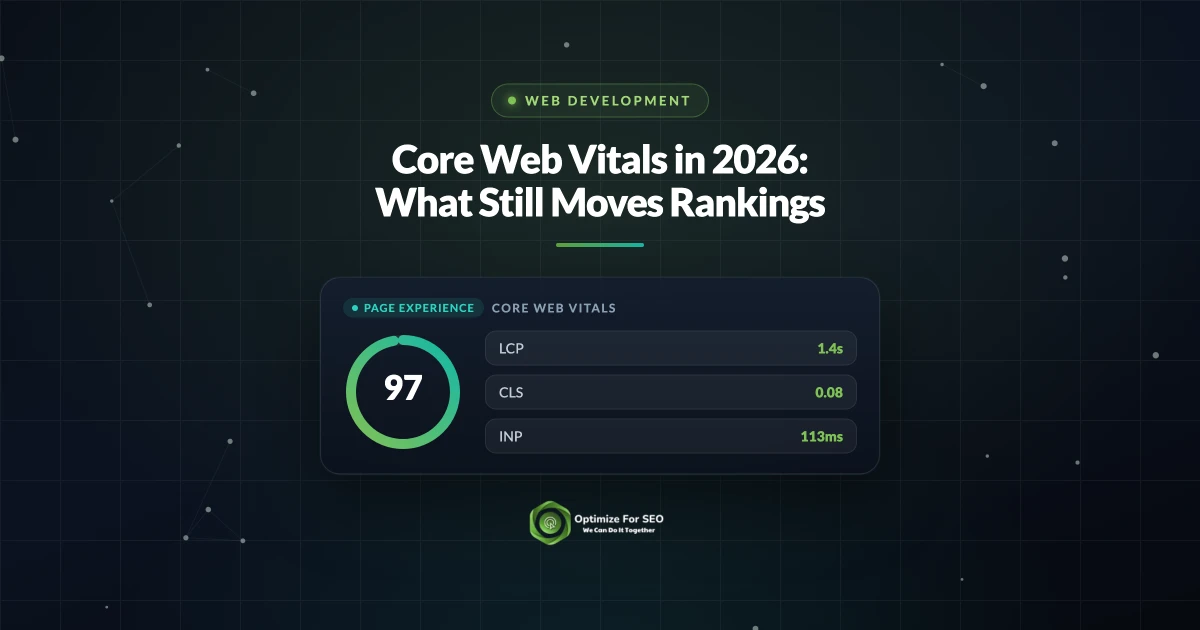
Google measures real user experience through three field metrics. Knowing what each one captures tells you where to focus.
- Largest Contentful Paint (LCP): how long until the main content becomes visible. Aim for under 2.5 seconds.
- Interaction to Next Paint (INP): how quickly the page responds to taps and clicks across the whole visit. Aim for under 200 milliseconds.
- Cumulative Layout Shift (CLS): how much the layout jumps as it loads. Aim for under 0.1.
INP replaced the old First Input Delay metric and is stricter, because it looks at every interaction rather than just the first. Many sites that passed before now need to revisit responsiveness.
Field data beats lab data
Google ranks on real world field data collected from actual visitors, not the lab score you see in a one off test. A page can look fast on your high end laptop and still fail for users on mid range phones and slower networks. Always check the field data in Search Console and treat lab tools as a debugging aid, not the verdict.
Fixing LCP
Slow LCP usually traces back to a handful of causes. Work through them in order.
- Serve the hero image in a modern format and size it correctly for the viewport.
- Preload the single most important image or font so the browser fetches it early.
- Cut render blocking scripts and stylesheets that delay first paint.
- Use a content delivery network and sensible caching so bytes arrive quickly.
- Improve server response time, since a slow backend delays everything downstream.
Fixing INP
INP problems come from JavaScript hogging the main thread when a user interacts. Reduce and defer script work so the browser can respond promptly.
- Break long tasks into smaller chunks so input is not blocked.
- Defer or lazy load scripts that are not needed for the initial view.
- Trim heavy third party tags, since analytics and chat widgets are frequent culprits.
- Avoid large, synchronous work in event handlers.
Fixing CLS
Layout shift frustrates users and is often the easiest of the three to fix. Reserve space so nothing jumps as the page loads. Set explicit width and height on images and video, reserve slots for ads and embeds, and load web fonts in a way that avoids a sudden reflow. Avoid inserting content above what the user is already reading unless it is in response to their action.
Stable layouts are also an accessibility win, especially for people using screen magnifiers. Our guide to web accessibility and SEO covers the other fixes that help users and rankings at the same time.
Where speed work pays off most
Prioritize the pages that matter to the business. Your highest traffic templates, key landing pages, and revenue pages deserve attention first, because a fix there compounds across many visits. Templates are especially valuable, since one improvement to a shared layout lifts every page that uses it. If your stack makes these fixes hard, a rebuild on a modern, performance minded foundation from your web development team can be a better investment than endless patching.
Want your Core Web Vitals fixed properly?
Passing all three metrics on real devices takes coordinated work across images, code, and hosting. If you want an audit that pinpoints exactly what is dragging your scores down, our web development team can diagnose and fix it. Contact us to get started.
Also Read :- technical SEO issues hurting traffic
Want this handled for you? Our website development company can help you build a fast, SEO-ready site that converts.
Aashirvad Kumar
Writes about SEO, digital marketing and growth at Optimize For SEO.