A slow Shopify store loses sales before a shopper sees a single product. Every extra second of load time chips away at conversions, and on mobile the effect is worse. The good news is that most Shopify speed problems come from a short list of fixable causes.
Conversion is what turns speed work into revenue. In our $303K in 60 days Shopify case study, the store held a 4.72% conversion rate across 63,000 sessions while its traffic grew.
Start With a Real Measurement
Guessing wastes time. Measure your store first, then fix what the data shows.
- Test key page types separately: home, a collection, and a product page, since they load very differently.
- Test on mobile, because that is where most traffic and most speed pain lives.
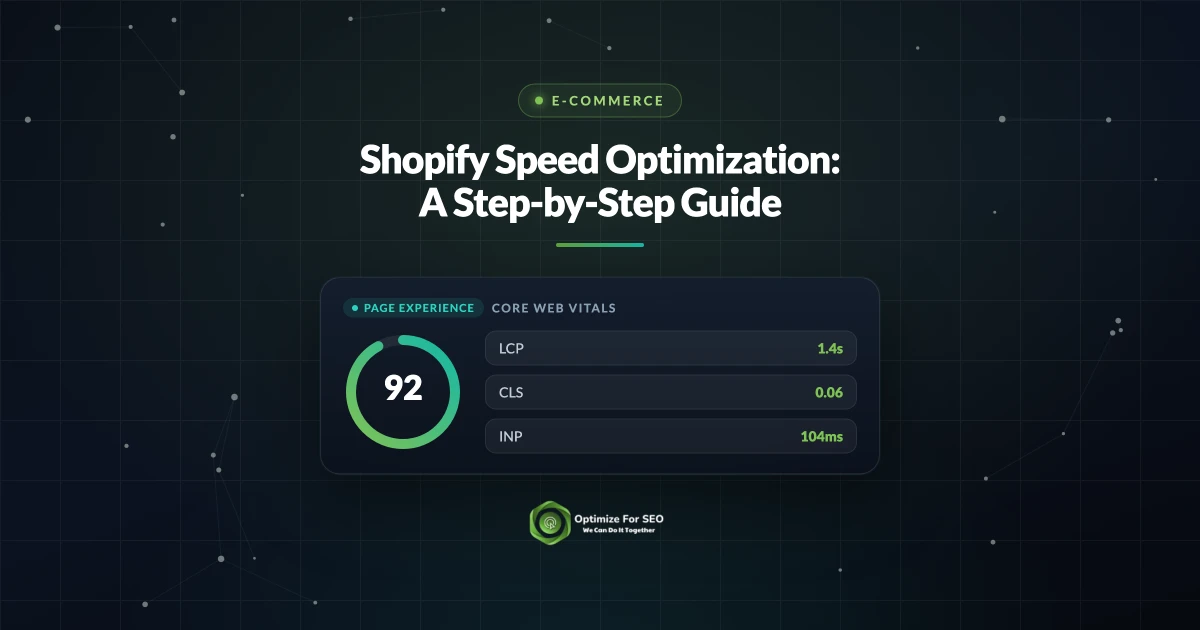
- Track Core Web Vitals, especially Largest Contentful Paint, Interaction to Next Paint, and Cumulative Layout Shift.
Record your starting numbers so you can prove each change helped rather than hoping it did.
Fix Images, the Most Common Culprit
Oversized images are the top reason Shopify stores load slowly. They are also the easiest win.
- Serve images in a modern format like WebP, which Shopify can deliver automatically.
- Upload images at the size they actually display instead of huge originals scaled down in the browser.
- Lazy load images below the fold so the first screen appears quickly.
- Give the hero image priority so your Largest Contentful Paint element loads first.
Do this across your theme and your product photos, and most stores see an immediate improvement.
Audit Your Apps Ruthlessly
Every app you install can add scripts that run on every page, even pages where the app does nothing. Over time this builds into serious drag.
- List every installed app and confirm each one earns its place in real revenue or workflow.
- Remove apps you no longer use, and check that uninstalling also removes their leftover code from your theme.
- Replace heavy apps with native theme features or lighter alternatives where possible.
Fewer apps means fewer scripts, and fewer scripts means a faster, more stable store.
Streamline the Theme and Code
A bloated theme slows everything down. Choose a well-built, current theme and keep customizations lean. Remove unused sections and old code left behind by past apps or developers. Limit the number of custom fonts, since each one is a separate download, and load only the weights you actually use. If your theme was heavily edited over the years, a clean rebuild is often faster than patching it endlessly. Our Shopify SEO agency handles this kind of theme and performance work regularly.
Reduce Layout Shift and Third Party Scripts
Content that jumps around while loading frustrates shoppers and hurts your Cumulative Layout Shift score. Reserve space for images, banners, and ads so nothing shifts as the page fills in. Delay non-essential third party scripts like chat widgets and analytics until after the main content loads. These changes make the store feel instant even when total load time is similar.
Want a Faster, Higher-Converting Shopify Store?
Speed work pays for itself in better rankings and more completed checkouts, but it takes methodical testing to get right. If your store feels sluggish and you want measurable improvement, we can audit it and implement the fixes for you. Reach out to Optimize For SEO and let us tune your store for speed.
Want this handled for you? Our Shopify SEO agency can help you rank your Shopify store and grow organic sales.
Aashirvad Kumar
Writes about SEO, digital marketing and growth at Optimize For SEO.